 🖨️ 3D printing
Supervision 3D monitors your 3D printers from your Windows PC, directly over your local network: progress, layers, time remaining, temperatures, spools, live camera and alerts explained in plain language (in French). Free, with no account and no cloud.
 Windows 10 & 11
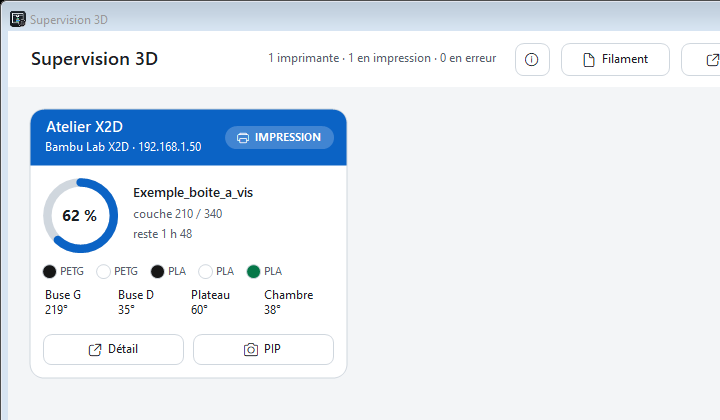
One window for all your machines, whatever the brand.
One tile per printer: status, current file, percentage, layer, time remaining, spools and temperatures.
The printer's camera feed in the detail view and in a small always-on-top PIP window, with one-click snapshots.
A compact always-on-top window, or a widget that sums up all your printers while you work.
Printer errors explained in plain French, a Windows notification and a photo taken the moment the alert is raised.
Nozzles, bed and chamber over time, plus a log of every print and incident.
A PDF incident report (in French or English) with graphs, alerts and photos, and a diagnostic mode that records everything during a test print.
Grams and cost of each print, with monthly and per-material totals: PLA, PETG, ABS, ASA, TPU, PA, PC…
On first launch, the software looks for printers on your network and pre-fills their addresses.
Read-only, access codes encrypted on your PC, light or dark theme to match Windows, software signed by JYL Software.
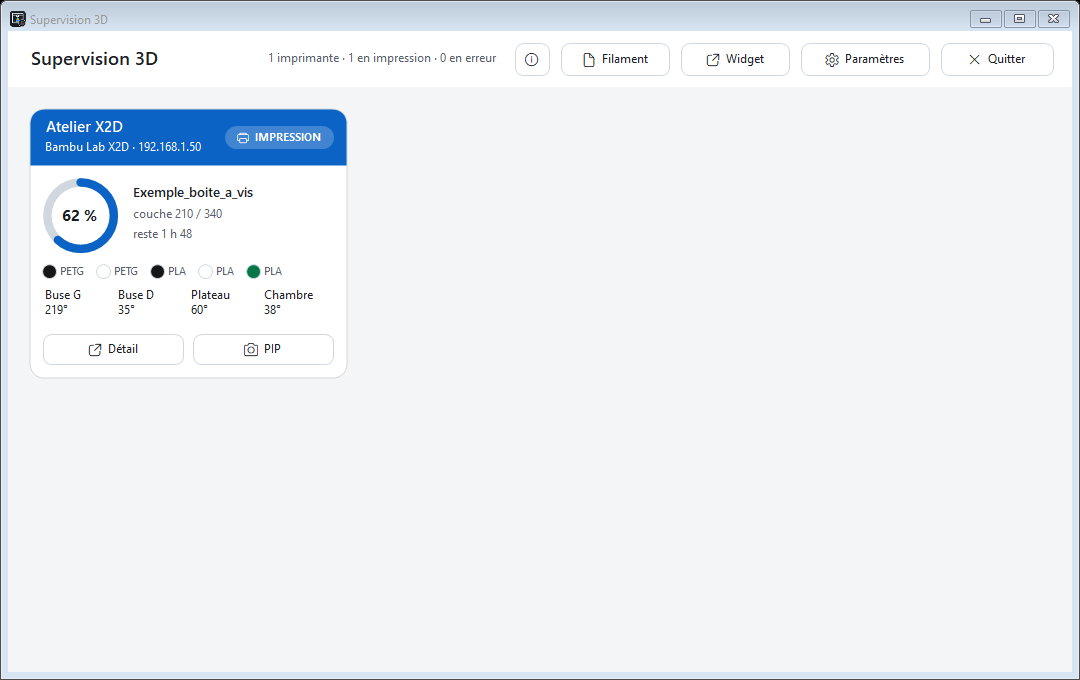
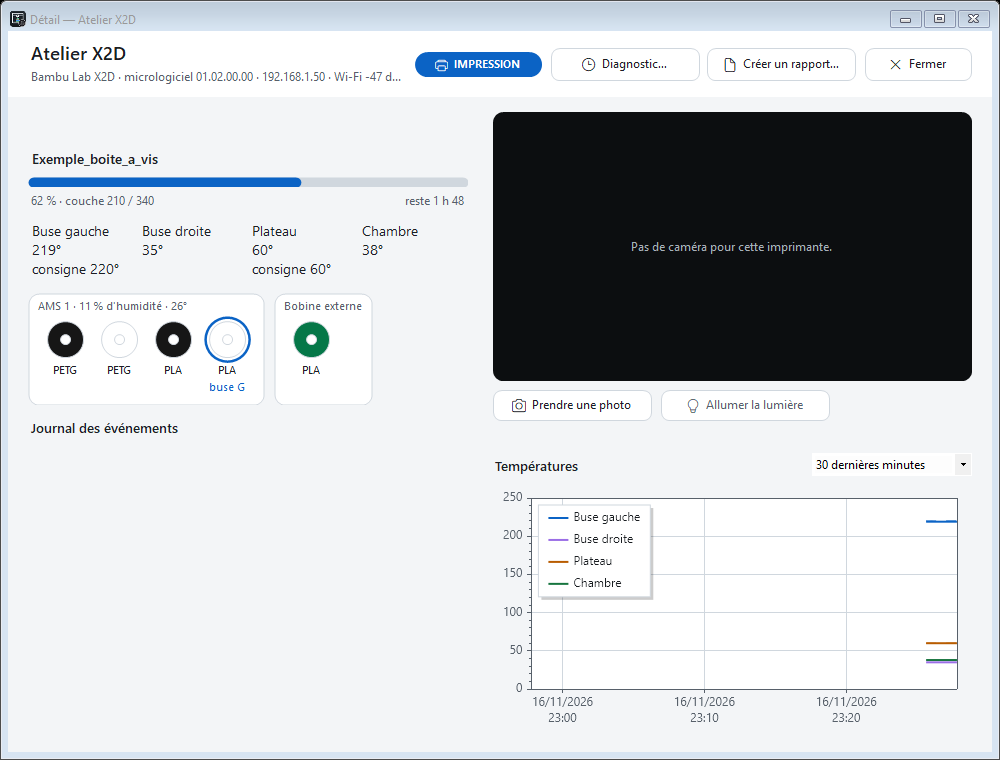
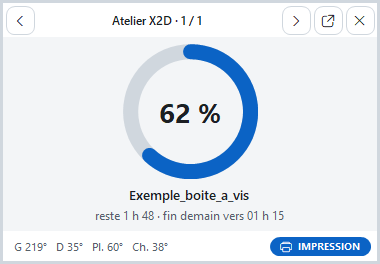
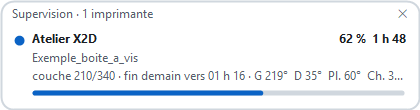
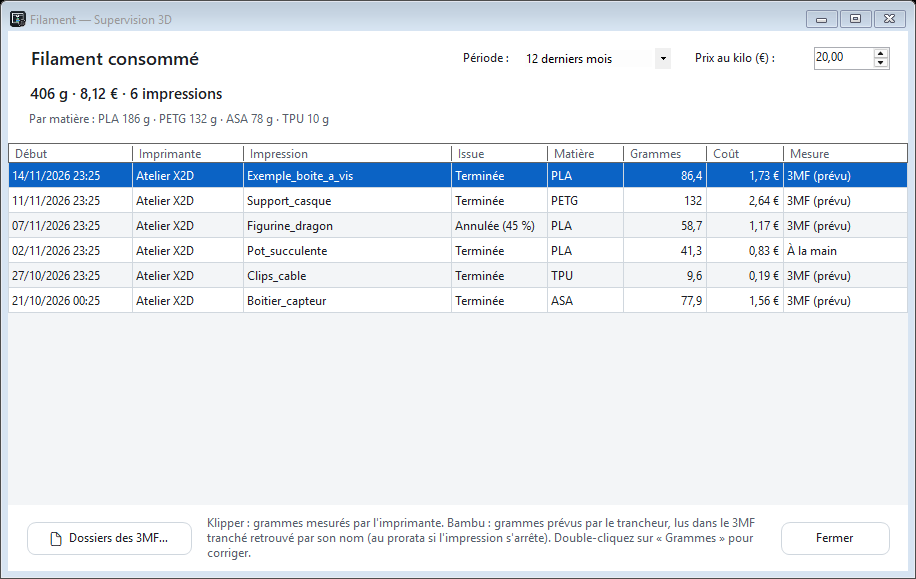
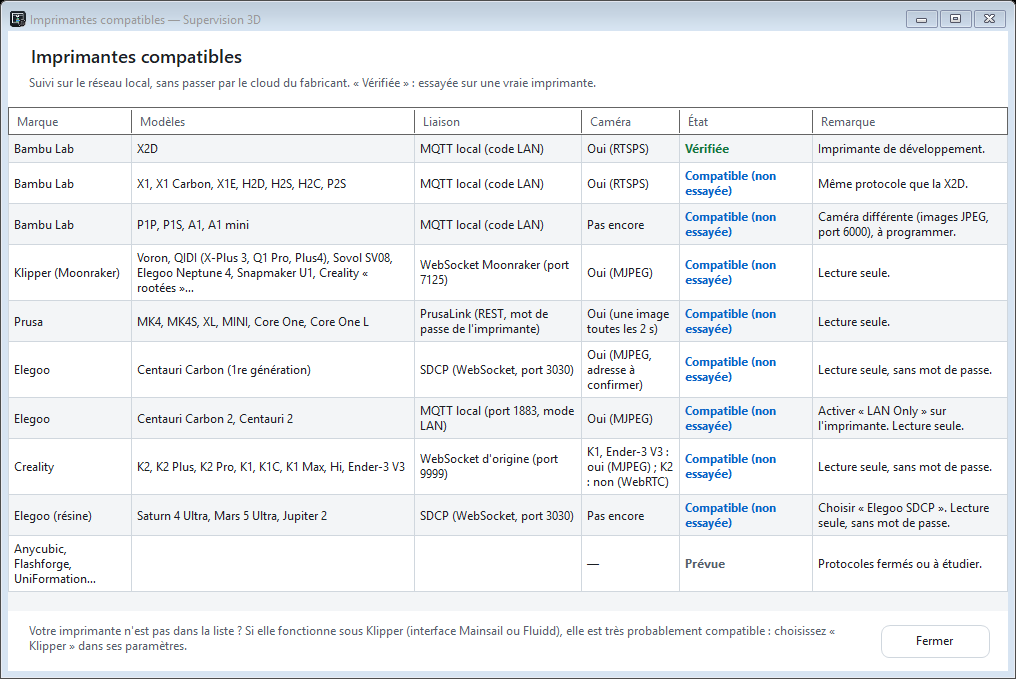
Monitoring over your local network, without going through the manufacturer's cloud.
| Brand | Models | Camera |
|---|---|---|
| Bambu Lab | X2D, X1, X1 Carbon, X1E, H2D, H2D Pro, H2S, H2C, H3C, P2S, P1S, P1P, A1, A1 mini, A2L | Yes |
| Klipper (Moonraker) | Voron, QIDI X-Plus 3 / Q1 Pro / Plus4, Sovol SV08, Elegoo Neptune 4, Snapmaker U1… | Yes |
| Prusa (PrusaLink) | MK4, MK4S, XL, MINI, Core One, Core One L | Yes (image every 2 s) |
| Elegoo | Centauri Carbon, Centauri Carbon 2, Centauri 2; resin printers: Saturn 4 Ultra, Mars 5 Ultra, Jupiter 2 | Yes (Centauri) |
| Creality | K1, K1C, K1 Max, K2, K2 Plus, K2 Pro, Hi, Ender-3 V3 | Yes (except K2) |
| Flashforge | Adventurer 5M, 5M Pro, AD5X, Creator 5 | Yes |
| UltiMaker | S3, S5, S7, Ultimaker 3 | Yes |
| Snapmaker | Snapmaker 2.0 A150, A250, A350 | No |
| OctoPrint | Any printer driven by OctoPrint (Ender 3, Prusa MK3…) | Yes (OctoPrint webcam) |
| Duet (RepRapFirmware 3) | Duet 2, Duet 3 and Duet 3 Mini boards | No |
The up-to-date list, showing what has been verified on a real printer, is in the software ( button). Does your printer run Klipper (Mainsail or Fluidd interface)? It is very likely supported.
Supervision 3D is independent software by JYL Software, not affiliated with Bambu Lab, Prusa Research, Elegoo, Creality or the other manufacturers mentioned, whose names are trademarks of their respective owners.
Download Supervision 3D for free: it starts looking for your printers on its own the first time you launch it.
Version 1.4, 26 November 2026: new printers (Flashforge, UltiMaker, Snapmaker, OctoPrint, Duet, Bambu A2L and H3C) and camera support for the Bambu P1 and A1. The software lets you know when a new version is available.