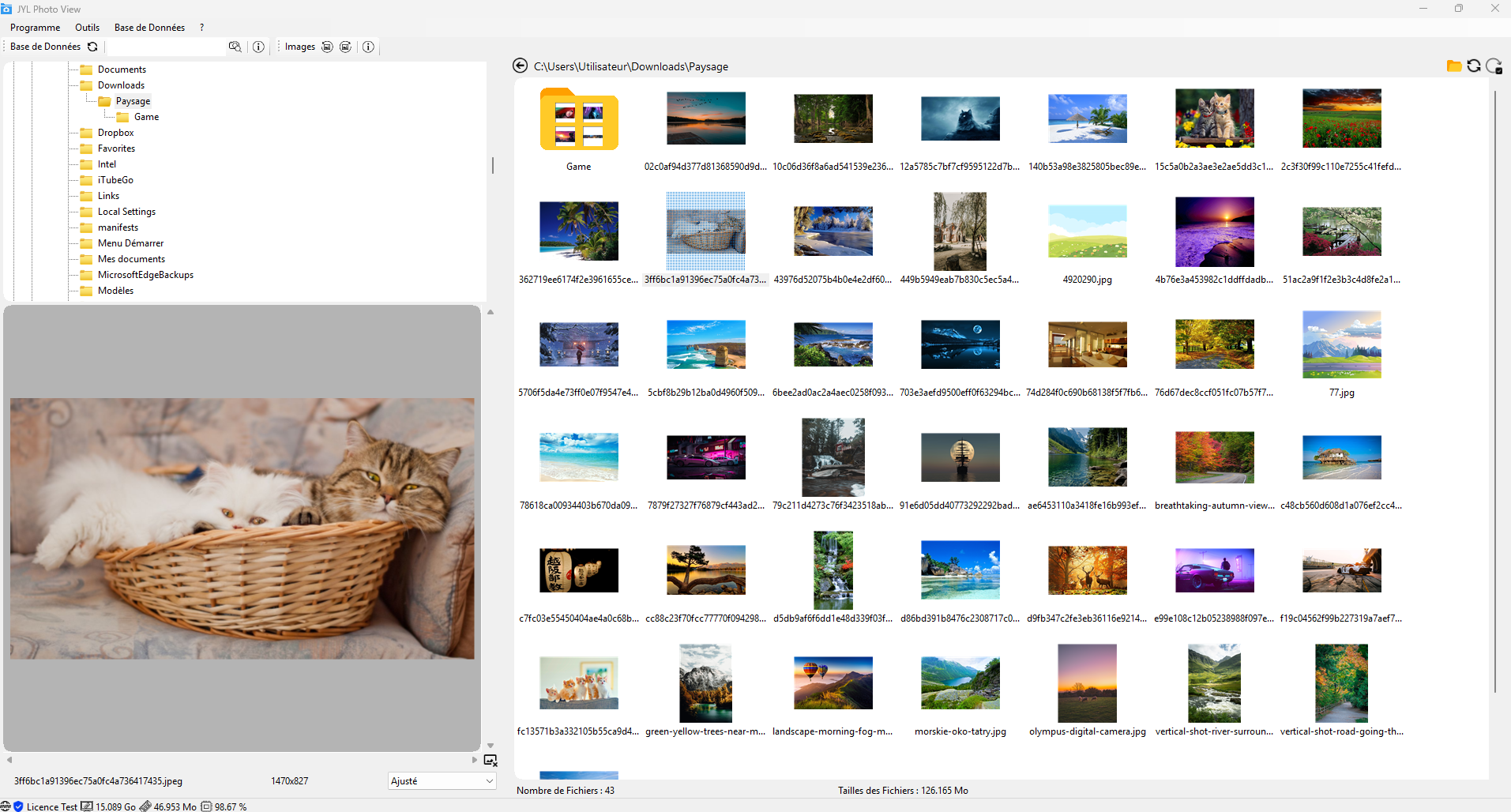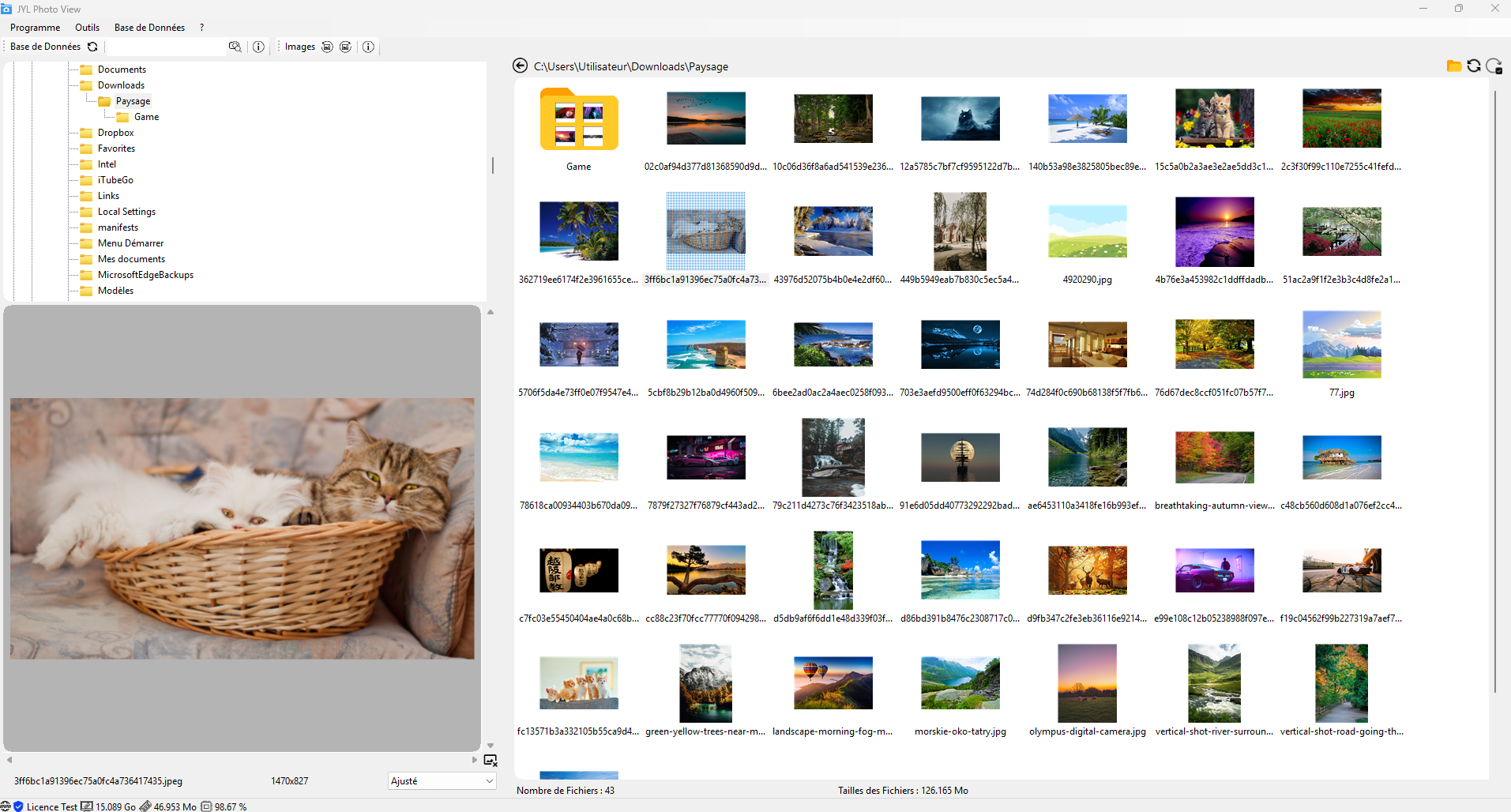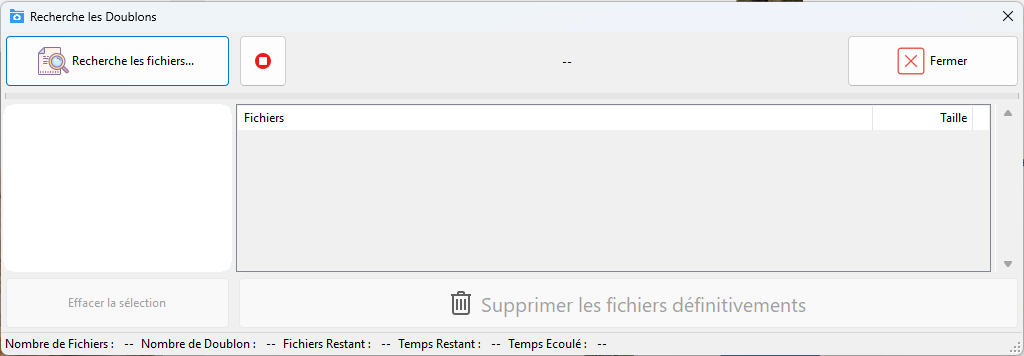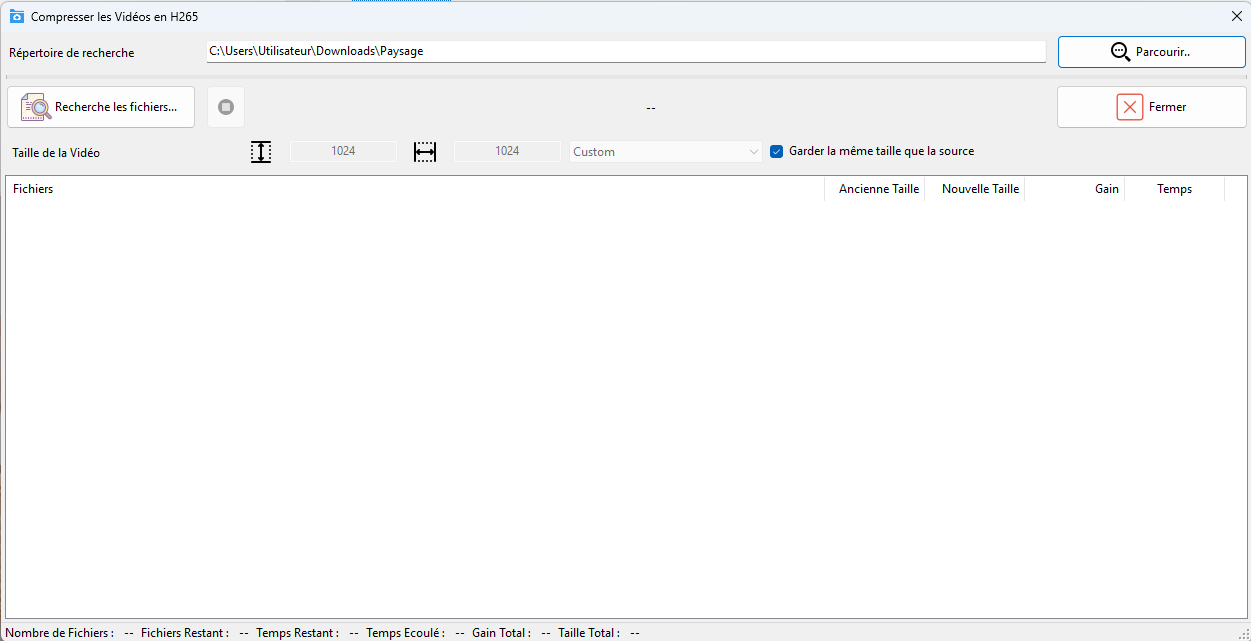
How does it work?

Accurate Duplicate Detection: Quickly and efficiently identifies duplicate images and videos, even if they have different file names or have been slightly modified.
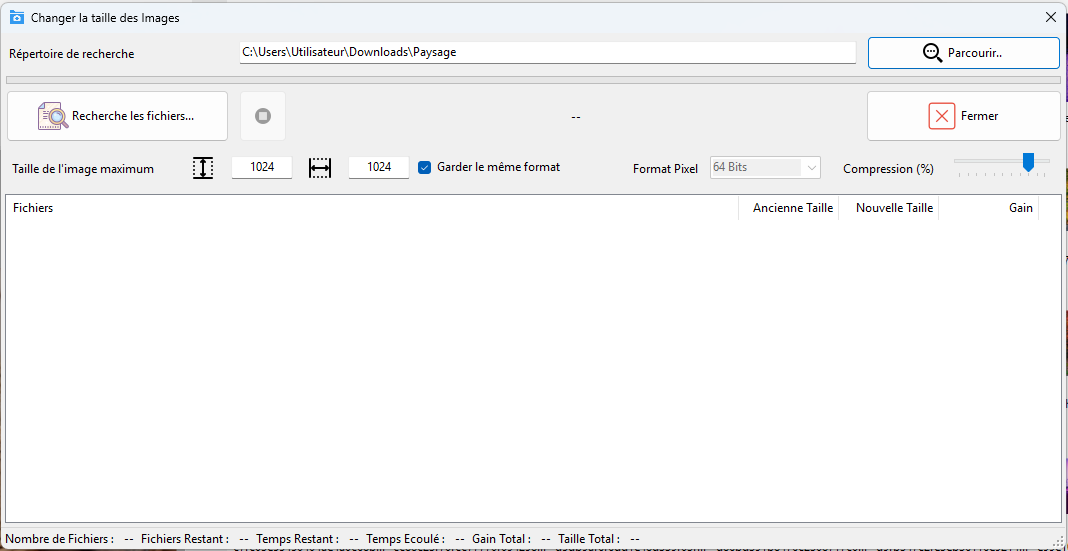
Image Size Reduction: Compresses your photos without visible quality loss, saving you storage space and speeding up loading times.
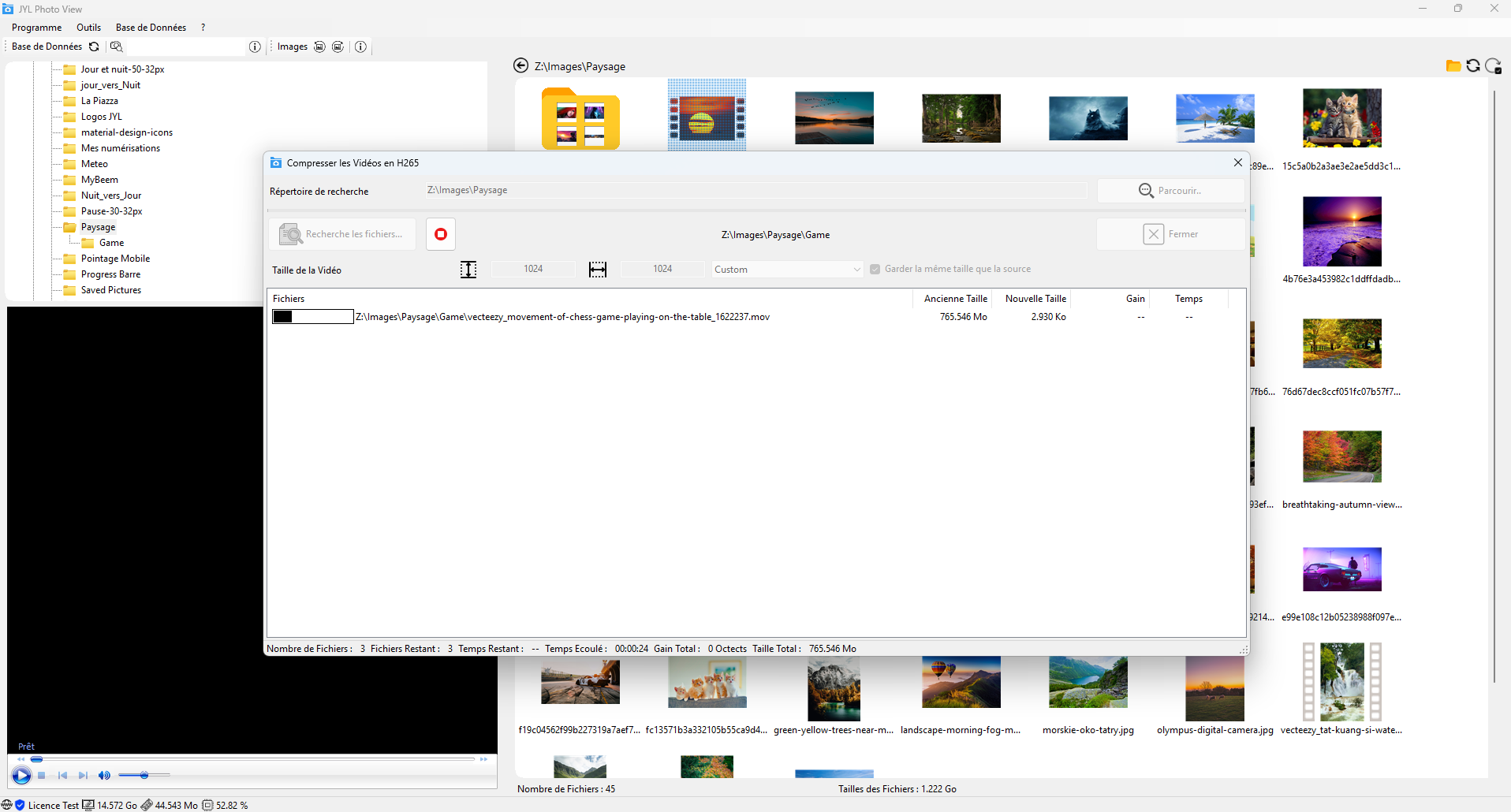
X265 Video Compression: Converts your videos to X265 format, offering a higher compression ratio than H.264 for smaller files while maintaining exceptional image quality.
Intuitive User Interface: Easy navigation and quick access to all software features.
Customization: Configure search and compression settings according to your specific needs.
Library Management: Easily organize and classify your media files.
Slideshow: Creation of slideshow based on a photo directory and export to video (MKV)

Why Choose JYL Photo View?

Significant Space Saving: Free up space on your hard drive by removing duplicates and optimizing the size of your files.
Performance Improvement: Speed ​up the loading times of your photos and videos.
Ease of Use: An intuitive interface for quick learning.
Flexibility: Customize the tool to adapt it to your specific needs.
Backup of Your Memories: Protect your precious memories by organizing and optimizing them.

The Benefits of Compression X265

Smaller Files: Save storage space on your hard drives.
Higher Image Quality: Enjoy better image quality compared to H.264 for a similar file size.
Compatibility: X265 files are increasingly supported by modern media players.

In short, JYL Photo View is the ideal solution for anyone who wants to optimize their media library, save storage space and improve the quality of their files.

Compression X265
Main Functions of the Software
  • Duplicate detection and removal
  • Mass or selective removal of duplicates.
  • Reduce image file size without significant loss of quality.
  • Choose from different compression levels for precise control.
  • Support for many image formats (JPEG, PNG, BMP, etc.).
  • Convert videos to X265 format for optimal compression.
  • Adjust compression parameters (bit rate, resolution, etc.).
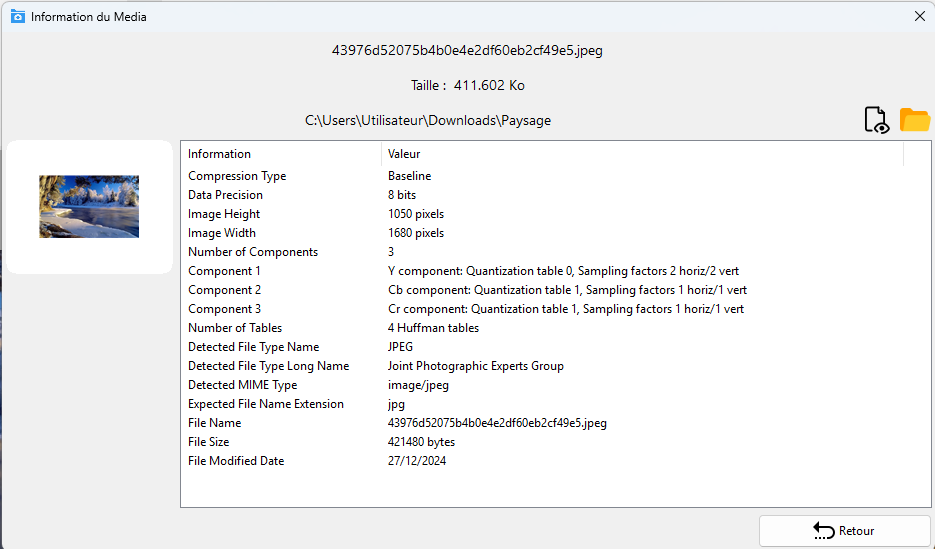
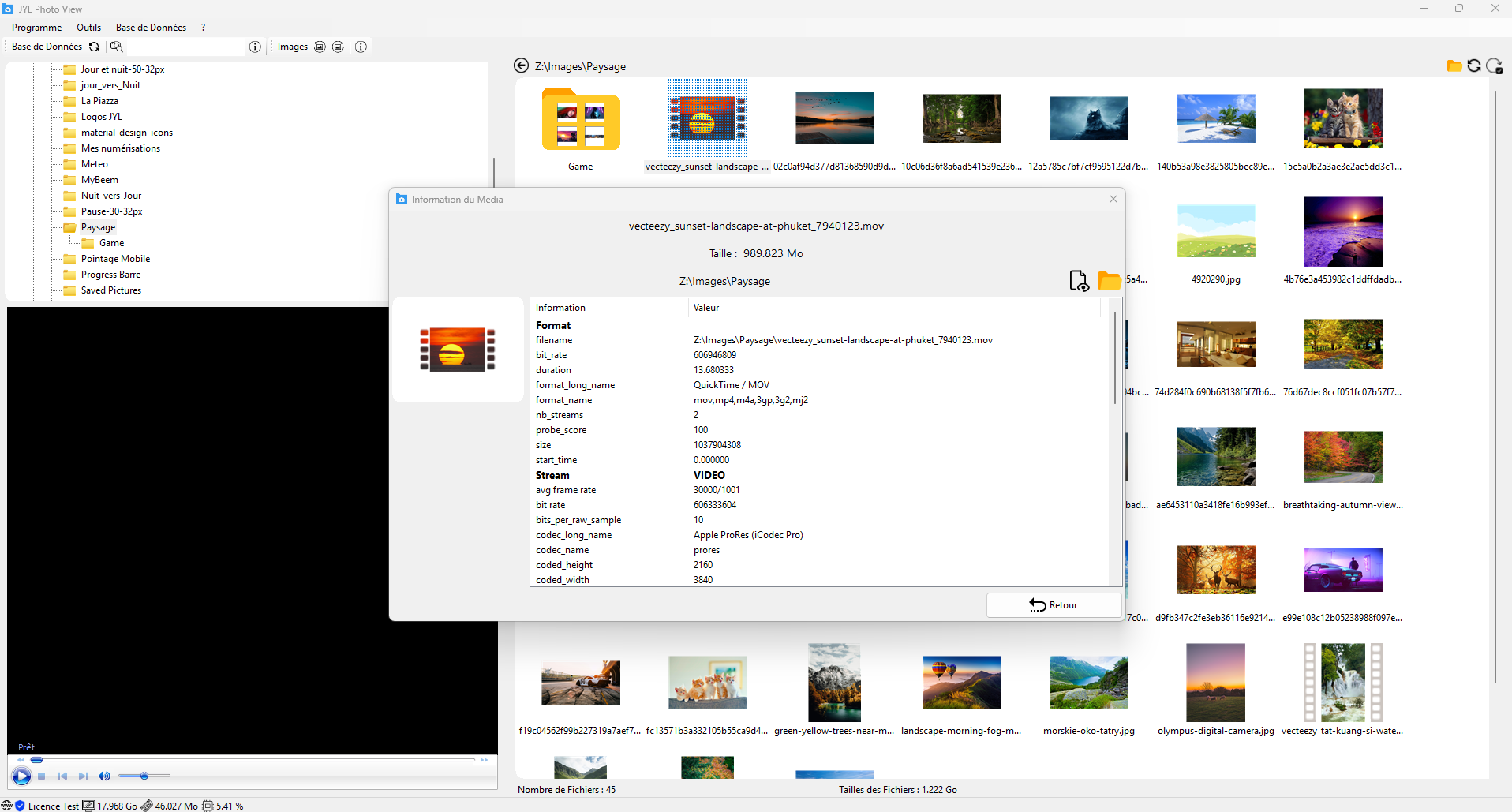
  • Read metadata from files.
  • Advanced search by criteria (name, directory).
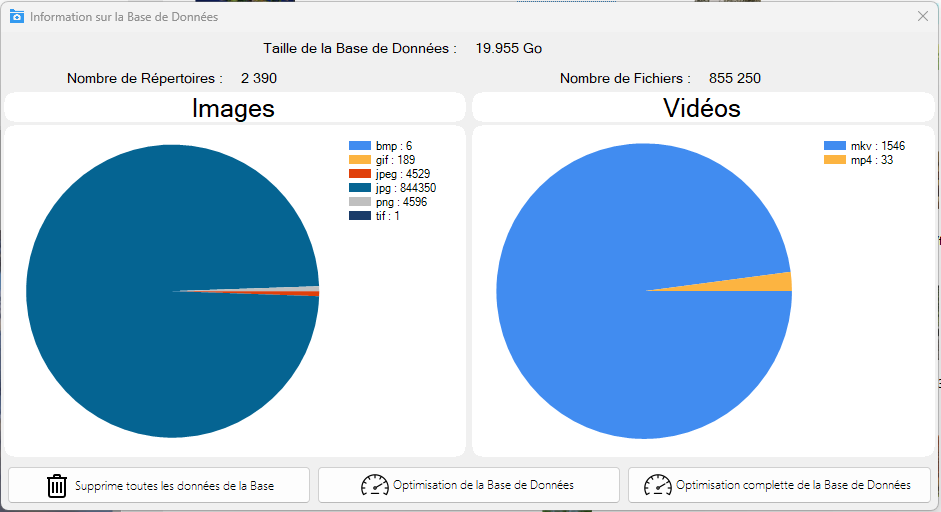
  • Create detailed reports on library composition.
  • Estimate disk space saved after optimization.
  • Supported image formats: jpg, jpeg, tif, gif, png, bmp, svg
  • Creation of slideshow based on a photo directory and export to video (MKV)
  • Supported video format: mp4, avi, mkv, m4v, mov, asf, wmv, m2ts, 3g2, 3gp2, 3gpp
drive02 drive02

Screenshots

Prices

Free15 days

BASIC
  • Complete software
  • Update & new features
  • Maintenance by email

1/Month*

STANDARD
  • No Commitment
  • Complete software
  • Maintenance by email
  • Update & new features

10/Year*

ADVANCE
  • No Commitment
  • Complete software
  • Maintenance by email
  • Update & new features

39*

FULL
  • No Commitment
  • Complete software
  • Maintenance by email
  • Update & new features (3 years)
* The prices of our products are indicated in Euros, all taxes included.